Step 01
Open Casper
Open Casper — or try the live demo in your browser today. Your studio for preview and export, not the chat.
Carousel and deck studio
Bring the article, the report, the notes you already wrote — plus a short profile of how you write. Your assistant turns them into finished screens, 4:5 for Instagram and LinkedIn or 16:9 for a presentation. You review each one in Casper, ask for changes, and export when it is right.
The chat happens in the AI app you already use — ChatGPT, Claude, or your favorite. Point it at the same folder Casper uses, and your assistant drafts the slides there. Casper is where you preview every screen and approve before you export.
Open Casper — or try the live demo in your browser today. Your studio for preview and export, not the chat.
Choose a folder for your decks in Casper, then connect the same folder in ChatGPT, Claude, or your favorite assistant — so it can work on your slides there.
In ChatGPT, Claude, or your favorite assistant, describe the deck and your material. It asks what it needs, then drafts the slides in that folder.
Walk every screen in Casper. Want a punchier hook? Say so in your assistant chat; it updates your slides and Casper shows the result.
PNG or PDF sized for Instagram and LinkedIn, or a 16:9 deck for the room you are presenting to.
Open · Open Casper
A deck that sounds like you needs more than a topic. Casper works from the content you already wrote and a profile of how you write it — then walks you through the rest.
How it starts
Your material
An article, a report, meeting notes, a PDF. The deck follows it.
Your voice
Describe how you write once. Every deck from then on sounds like you.
Your answers
How long, which format, what tone. Your assistant asks — you pick.
What comes back
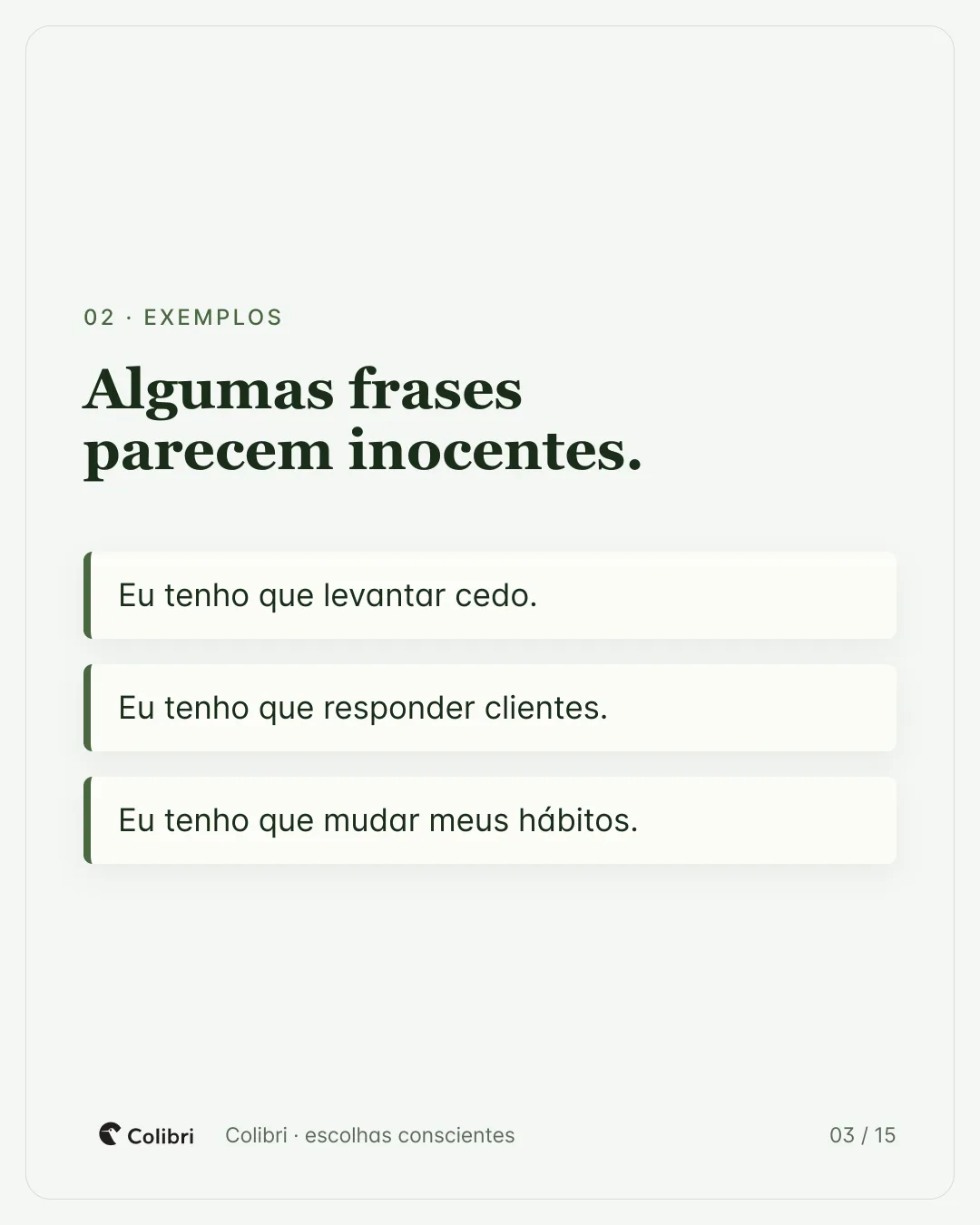
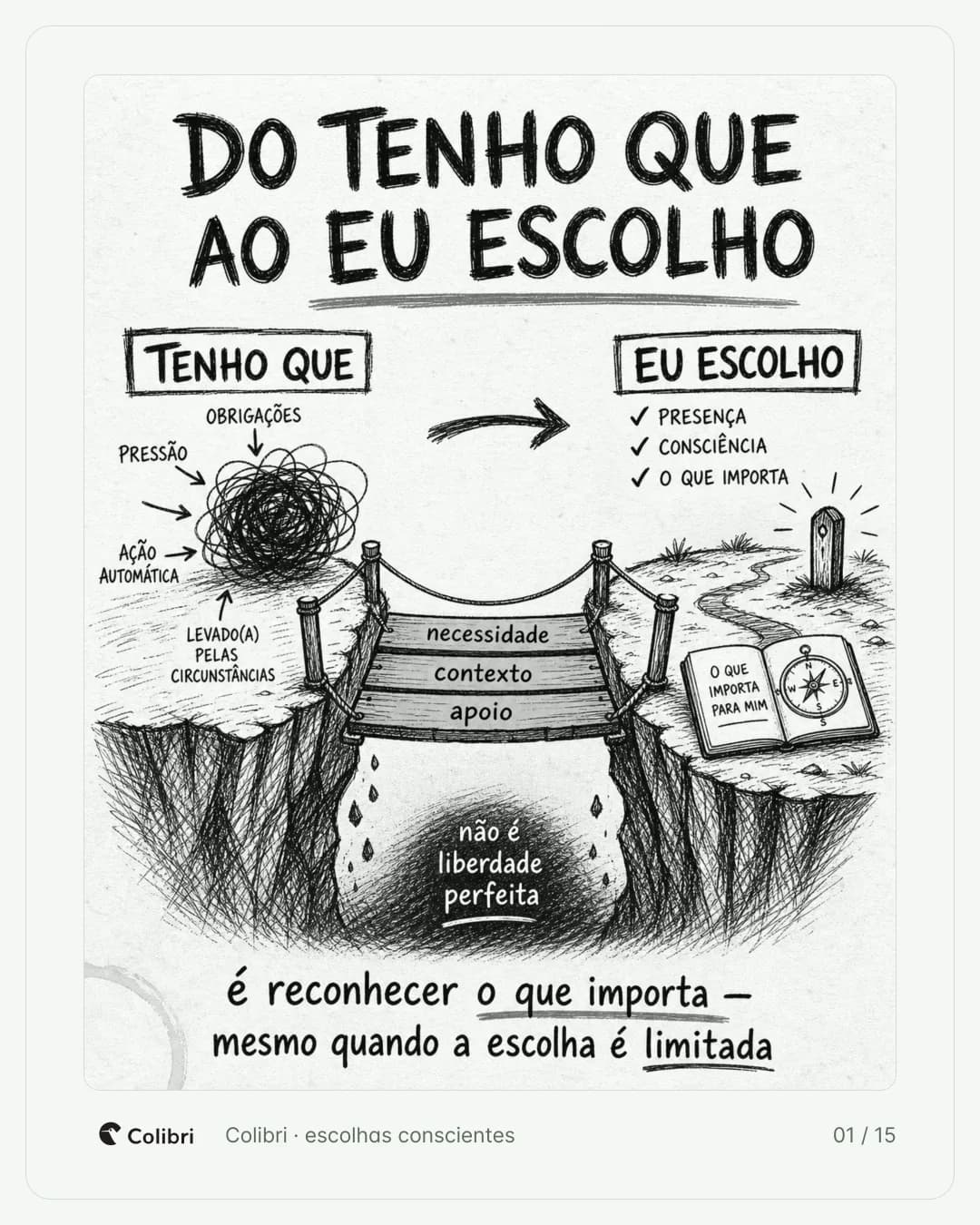
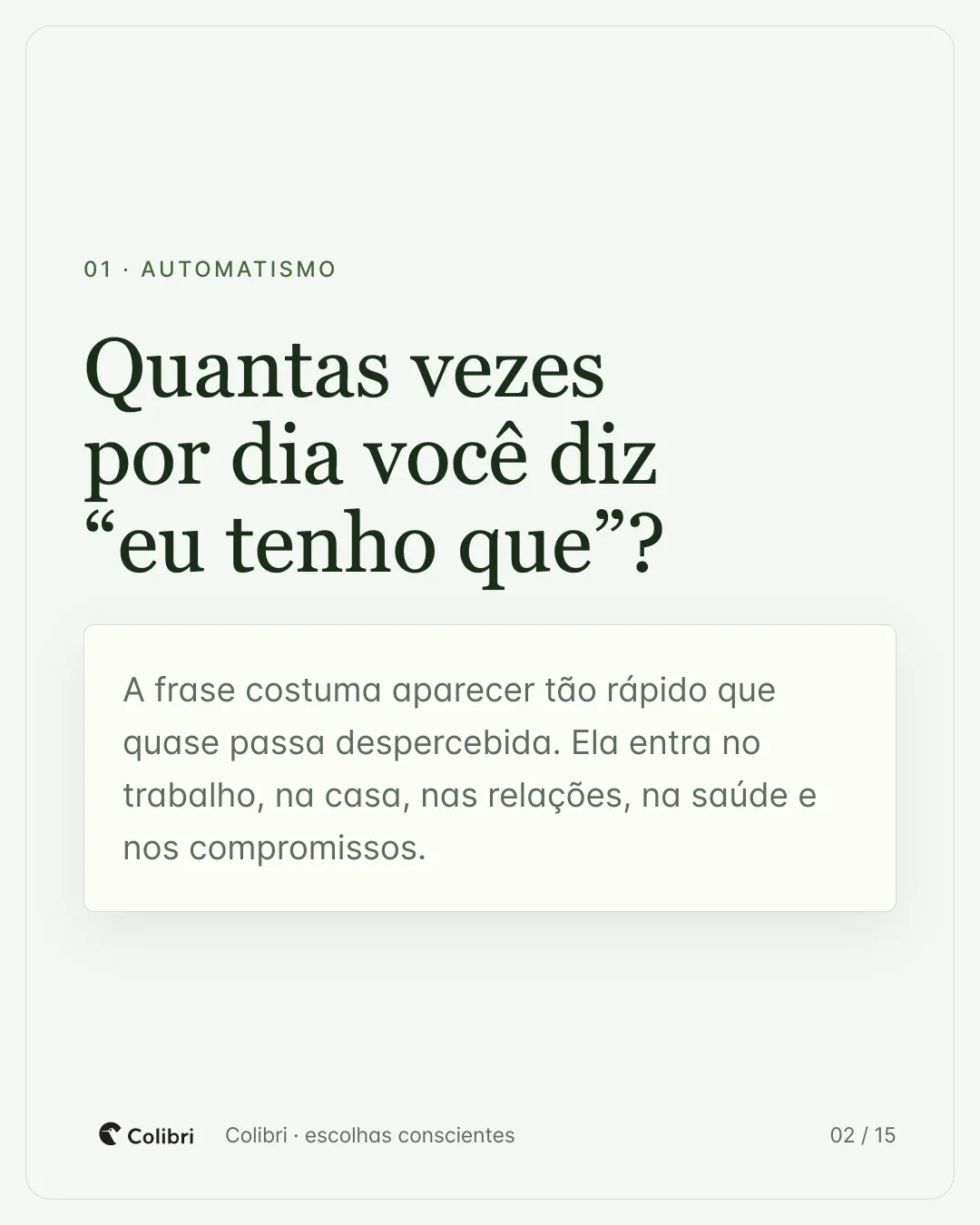
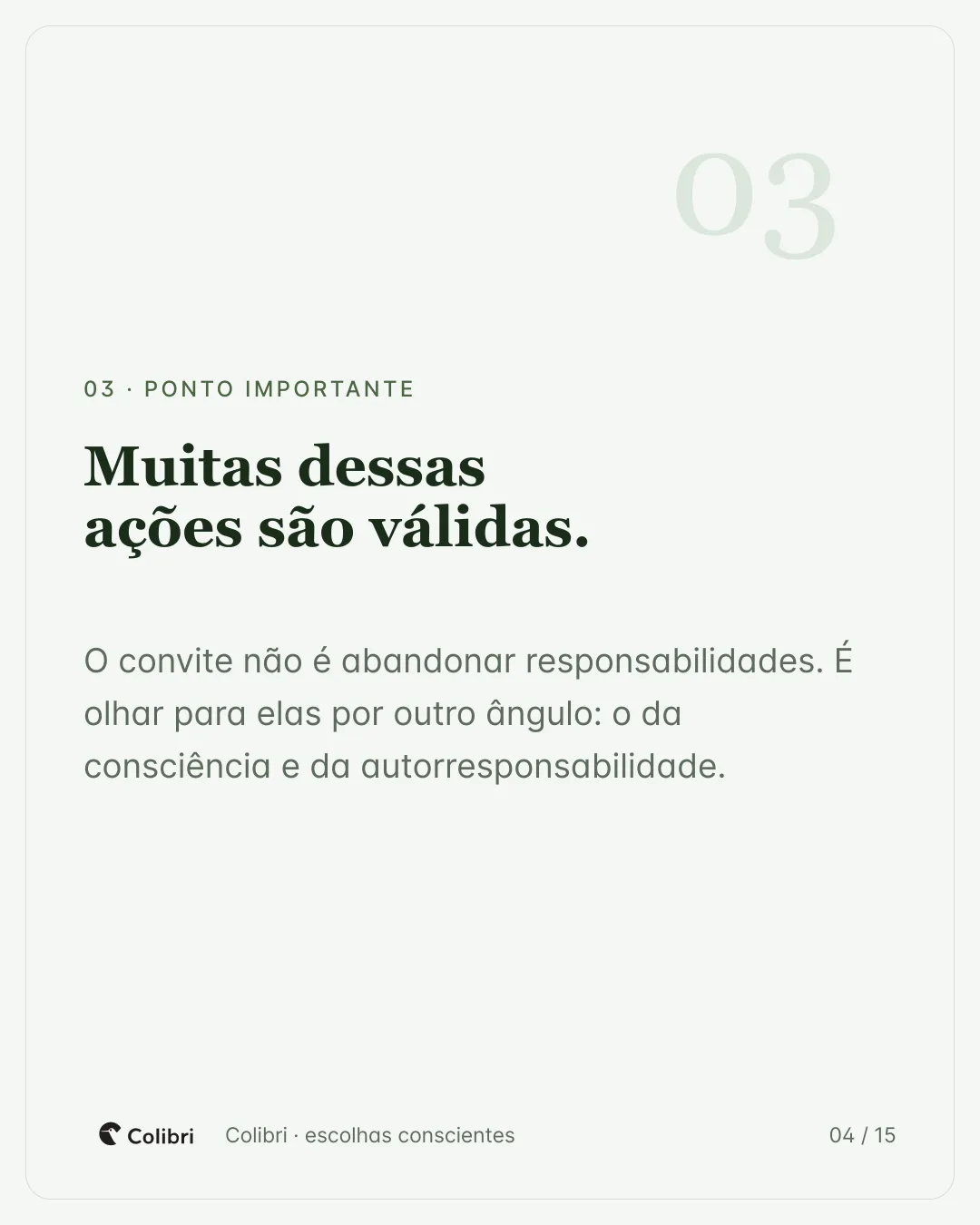
Real screens exported from one deck — including the infographic, drawn for this post. Nothing here is a mockup.
Among 30 built-in themes, type, color, and texture spread deck-wide when your assistant applies one — browse the catalog in Casper and brief it in chat. Build your own palette and fonts; they stay in your project and appear in the catalog next to the defaults.
Your colors and type go here
Beyond the look
Themes set type and color. Slide layouts are the page skeletons — cover, timeline, quote. Infographics are separate AI images when a screen needs a diagram or metaphor. Formats set the export canvas.
Slide layouts
Composition patterns — cover, comparison, timeline, stat, quote, closing.
Infographic layouts*
Structure of the image — how information is arranged (funnel, timeline, metaphor).
Infographic styles*
Look of the image — palette, texture, illustration style. Pick one with a layout.
Formats
Feed carousel or presentation deck. Switch the canvas without rebuilding.
* Infographics are generated images, not slide layouts. Your assistant must support image generation — for example ChatGPT or Antigravity CLI. Text-only assistants can still compose the deck; they just cannot draw these visuals.
This is Casper itself, running with a real workspace — open a deck and page through it. This is where you approve every screen before exporting.
🖥️Casper is a desktop app — this demo is best on a computer. On a phone you can still browse, but expect a tight fit.
Paste your text and describe the deck you need. Missing something — how many screens, which format, what tone? Casper asks you instead of guessing. Then it writes and lays out every screen.
“Turn the launch notes into a 7-screen Instagram carousel, waitlist CTA at the end”
Type it however you like. There is no special syntax to learn.
Prices vary by region — pick BRL, EUR, or USD on the card.
Buy now
Launch price on the card beside this.
Prefer to try first?
14 days free in the app, no card — same launch price.
After your free trial ends
Full price for your region.
Lifetime license
Secure payment
A fair question
Why Casper exists
You
Why would I pay for Casper if I already have ChatGPT?
Casper
ChatGPT is the conversation. Casper is the studio.
You describe the deck in plain language — your assistant writes the slide files in a shared folder. In Casper you open that folder, review every screen in context, refine copy and details in the inspector, and export when it looks right.
Theme, layout, and infographic catalogs live in your project for the assistant to apply when you ask — no hand-editing code.
You are not buying another chat subscription. You are buying the place where drafts become finished work.
Still have questions?
Download Casper for Mac or Windows, request your free trial by email, and use the app for 14 days — no card, no charge. When you are ready to keep it, buy your license in the pricing section.